Work has told me that I must use both hands to mouse, to avoid repetitive stress injuries. I’ve done that for probably a total of about 3 minutes in the last 20 years.
Day 3: iPencil still in possession. Not sure I like it very much, but it’s in its sheath on the case, so hopefully it’ll stick around.
This one’s for you @HudsonHawk
Nope, no headphone jack.
2 Likes
For HH.
My TimeMachine backup is corrupt, which is far from ideal. However, I know this because MacOS told me this; not because I needed it and only then found out it was garbage.
Ending the scourge of Schrödinger’s BackUp is not something I knew that Apple had done, but I appreciate it nonetheless. My Mac is currently rebuilding my entire Time Machine backup, and the only reason I know this is because the Systems window is open on my screen. It’s not impacting performance at all.
Do you just plug in an external drive for your backups or do you have some kind of networked storage?
I have a network rack with some hefty HDDs in it. Time Machine had been backing up to it without issues for about three years now (as far as I knew). I scanned the HDDs with server software, and all is well, so it’s just the TM backup that is faulty, not the disks.
I have lost my system in the past (a long time ago, to be fair) and the TM backup wasn’t viable; hence my relief at seeing some self-diagnostic capability in the MacOS. It’s not great that the backup broke but, like a colonoscopy, it’s better to know.
1 Like
Do you have a sense of what the best backup option might be for someone without a ton of data, doesn’t need anything fancy, but will 100% forget to plug in a HDD at regular intervals to keep his laptop backed up? I’d rather not rely on any kind of cloud backup, something physical in the home would be great, but any kind of actual NAS setup is dramatically overkill for me.
Not sure I can help you with the whole, forgetting to plug things in. If you’re using Time Machine and it hasn’t backed up in a couple of days, the OS will give you a little prompt. So if you are using a plug-in SSD you will get nudged every once in a while and TM will start backing up automatically as soon as you plug it in.
However, NASes are so much cheaper these days, especially ones using HDDs rather than SSDs, that buying a small one and plugging it into your internet gateway is probably your best option. TM will happily backup over wifi, and won’t be phased if you pack up and leave with your laptop mid-way through. It will just wait and resume next time your laptop is in range.
Because of the way TM works, it is extremely space efficient. After the initial backup, it simply logs the changes that have occurred since the last run. So for things like photos and other “static” files, it will only be recorded in the backup “sparse bundle” once. Only when a file has been changed will it save the new version. This way, you can do things like going back in time to older versions of files without needing the WOPR to store it all.
If TM ever starts to run out of space, it will shed the older versions of files for which a new one exists to make space. So you will never lose the most recent version of any thing and, as long as your NAS’ capacity is bigger than your Mac’s, you will never run out of space.
1 Like
Muchas gracias.
1 Like
The news from the Apple event today basically is that everything gets a spec bump but the prices are the same as last year’s models. All the new iPhones have 256GB minimum capacity to allow for Apple Intelligence (which is still a fucking joke).
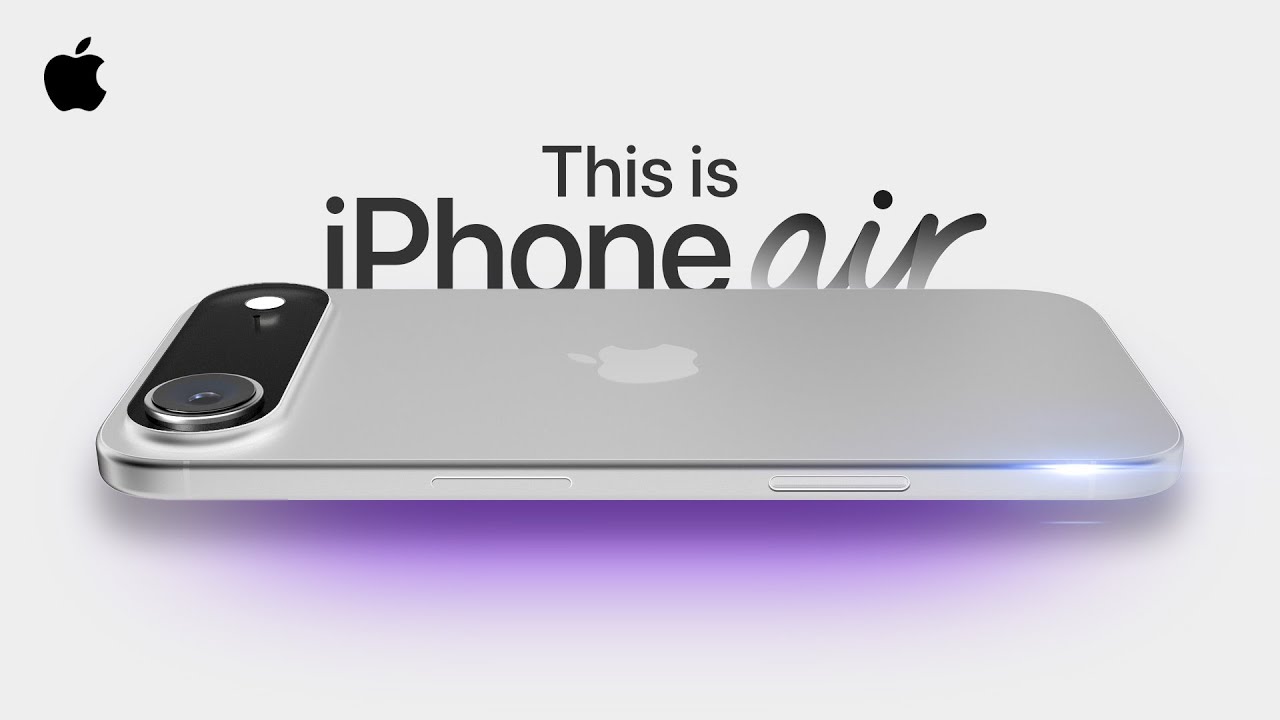
The only notable new entry into the line up is the iPhone Air, which has the new A19 Pro chip but is wafer thin.

Still no update to the Apple TV box, though. WTF?
The AppleTV was literally the only thing I had even the slightest interest in.
1 Like
Same here. Still no compelling reason to update my iPhone 14 or my Watch S7.
I guess I don’t even need to ask if they brought back the headphone jack
No, but there are new headphones that can measure your heart rate and translate speech on the fly.
The latter is seriously cool tech, if it works. In theory, it allows two people (with Apple EarPods) to have a realtime conversation in different languages.
Meanwhile, Siri can barely understand English.
I have a co-worker from Glasgow. I sometimes need this technology to have a conversation, even though we speak the same language. Allegedly.
2 Likes
Honest question: what hardware updates were you looking for in the Apple TV? I don’t really find it lacking in hardware (it’s already one of/the most premium streaming player on the market) and a lot of the software stuff was announced at WWDC in the summer.
I can’t answer for WVAstro, but I need to replace an old “HD” model (it can’t play my 4K Plex rips) so I am waiting for the new one to go to my main TV with everything else shuffling down one.
FWIW, the new one is expected to have a faster chip, potentially allowing it to play AAA games, and more memory for Apple Intelligence.
I just know that, whatever the spec, its release will be announced the day after I get tired of waiting and buy the current model.
I’m surprised there’s still a market for the Apple TV given the proliferation of "smart TV’s. Or is the new Apple TV a smart TV itself rather than the little black box that you plug in to your old TV?